Sequence diagrams




Many developers find these diagrams very useful in the design documentation.
UML sequence diagrams are incredibly valuable during the software design phase for several key reasons:
Visualizing Interactions: They provide a clear, visual representation of how different objects or components within a system interact with each other over time to achieve a specific use case or scenario. This makes it much easier to understand the flow of control and data.
Identifying Design Flaws: By illustrating the order of messages passed between objects, sequence diagrams can quickly highlight potential issues like:
- Missing messages: Are all necessary communications happening?
- Unnecessary messages: Is there any redundant communication that could be optimized?
- Incorrect message order: Are operations happening in the right sequence? -Bottlenecks: Do certain objects receive too many messages, indicating a potential performance issue or a need for re-distribution of responsibilities?
Clarifying Logic and Responsibilities: They force designers to think through the exact steps involved in a process and clearly define which object is responsible for which action. This helps in assigning responsibilities effectively and avoiding ambiguity.
Facilitating Communication: Sequence diagrams serve as an excellent communication tool between developers, testers, business analysts, and stakeholders. They provide a common understanding of the system's dynamic behavior, reducing misinterpretations and ensuring everyone is on the same page.
Basis for Testing: The interactions shown in sequence diagrams can be directly translated into test cases, allowing testers to verify that the implemented system behaves as designed.
Documentation: They provide valuable documentation of the system's dynamic behavior, which is useful for future maintenance, enhancements, and onboarding new team members.
Supporting Collaboration: They provide a concrete artifact for design discussions, allowing teams to collaboratively refine and improve the interaction patterns before implementation begins.
Graphics
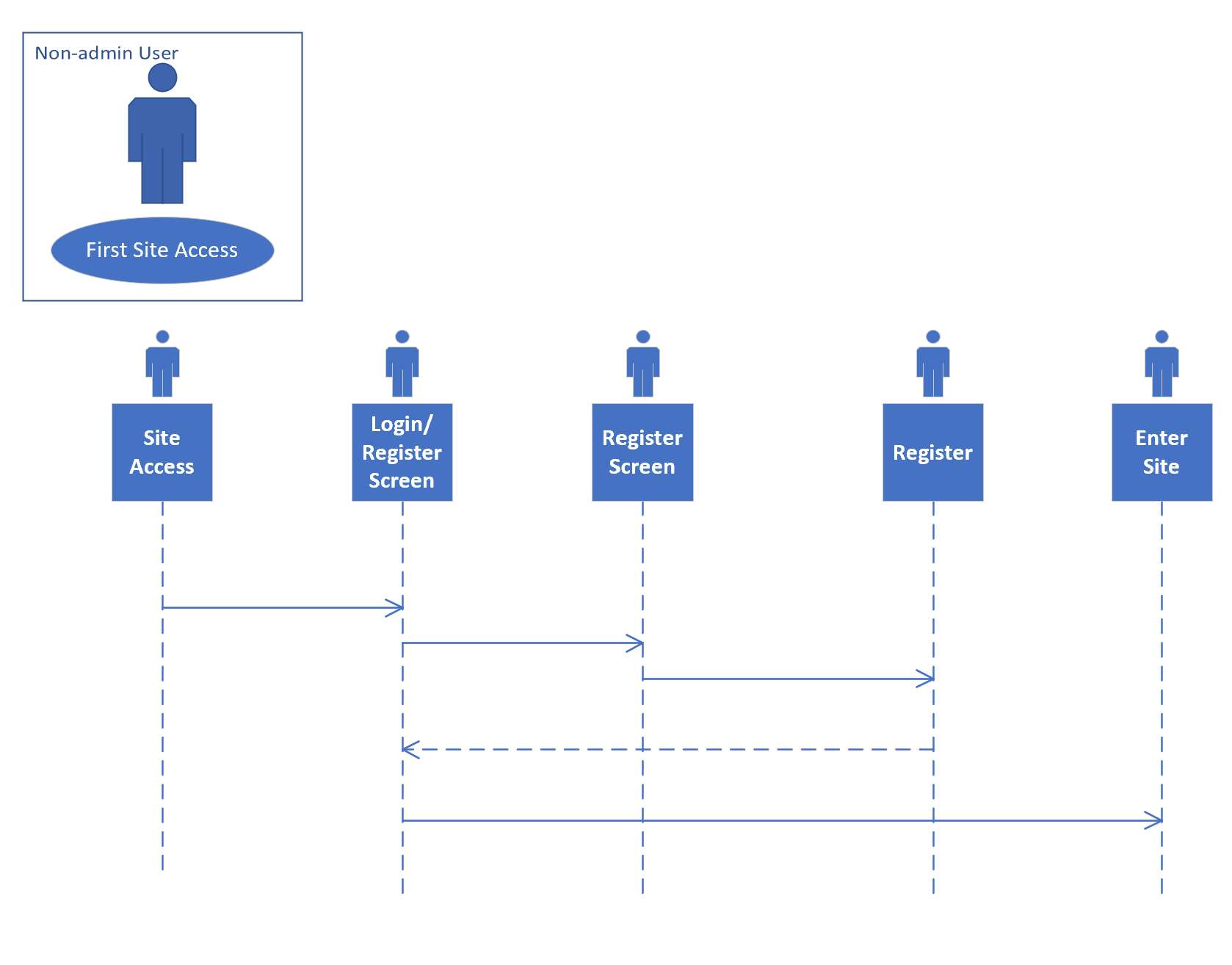
These diagrams are easy to create in Visio and it has a useful library of symbols that are part of the UML defined syntax.
UML Sequence — Catalogue Load (XAMPP)
This complex diagram demonstrates two representative request–response sequences for loading a game catalogue from a MySQL database (vectis_games.game) in a classic XAMPP stack. Both include basic error trapping and an empty-state path. Use whichever model best fits your implementation.
- Actor:
User - Stack: Browser → Apache → PHP → MySQL
- Database:
vectis_games, table:game(e.g.,id,title,platform,price)
Note: To render the diagrams you’ll need Mermaid enabled via
pymdownx.superfenceswith amermaidcustom fence, and Mermaid JS loaded inmkdocs.yml.
Implementation options
The menu item points to catalogue.html, which Apache routes (directly or via rewrite rules) to a PHP controller (e.g., catalogue.php). PHP queries MySQL and returns fully rendered HTML.
sequenceDiagram
    autonumber
    actor user as User
    participant browser as Browser
    participant apache as Apache (XAMPP)
    participant php as PHP Controller (catalogue.php)
    participant db as MySQL (vectis_games)
    participant log as Error Logger

    user->>browser: Click menu item "Catalogue"
    browser->>apache: GET /catalogue.html
    Note right of apache: May rewrite/route to<br/>catalogue.php

    apache->>php: Dispatch request (REQUEST_URI=/catalogue.html)
    php->>db: SELECT id, title, platform, price<br/>FROM vectis_games.game<br/>ORDER BY title ASC

    alt Query OK and rows > 0
        db-->>php: Result set (games)
        php-->>apache: 200 OK + HTML (rendered catalogue)
        apache-->>browser: 200 OK + HTML
        browser-->>user: Render catalogue page
    else DB error (connection/query failure)
        db-->>php: Error
        php->>log: Write error with stack/context
        php-->>apache: 500 + Friendly error page
        apache-->>browser: 500 + Error HTML
        browser-->>user: Show "We’re having trouble loading the catalogue."
    else No rows found
        db-->>php: Empty result
        php-->>apache: 200 OK + HTML ("No games available")
        apache-->>browser: 200 OK + HTML
        browser-->>user: Render page with empty state
    end

    opt Static assets
        browser->>apache: GET /assets/css/catalogue.css
        apache-->>browser: 200 OK (CSS)
        browser->>apache: GET /assets/js/catalogue.js
        apache-->>browser: 200 OK (JS)
    end
The menu item loads a static catalogue.html which then fetches JSON from /api/catalogue.php and renders the view in the browser.
sequenceDiagram
    autonumber
    actor user as User
    participant browser as Browser
    participant apache as Apache (XAMPP)
    participant api as PHP API (/api/catalogue.php)
    participant db as MySQL (vectis_games)
    participant log as Error Logger

    user->>browser: Click menu item "Catalogue"
    browser->>apache: GET /catalogue.html (static)
    apache-->>browser: 200 OK (HTML + JS)

    browser->>apache: GET /api/catalogue.php (XHR/fetch)
    apache->>api: Route to PHP API
    api->>db: SELECT id, title, platform, price<br/>FROM vectis_games.game<br/>ORDER BY title ASC

    alt Query OK and rows > 0
        db-->>api: Result set (games)
        api-->>browser: 200 OK (JSON)
        browser-->>user: Render cards/table from JSON
    else DB error
        db-->>api: Error
        api->>log: Write error with context
        api-->>browser: 500 + {"error":"catalogue_unavailable"}
        browser-->>user: Show banner/toast "Unable to load catalogue."
    else No rows
        db-->>api: Empty result
        api-->>browser: 200 OK (JSON: [])
        browser-->>user: Render "No games available" state
    end

    opt Progressive enhancement
        browser->>apache: GET /assets/css/catalogue.css
        apache-->>browser: 200 OK
    end